Trygn's Pixel;Gate
A downloadable tool for Windows
Turn ordinary images into pixel art. From the pixel style and pixel size to the final brushstroke, every adjustment is yours to make.
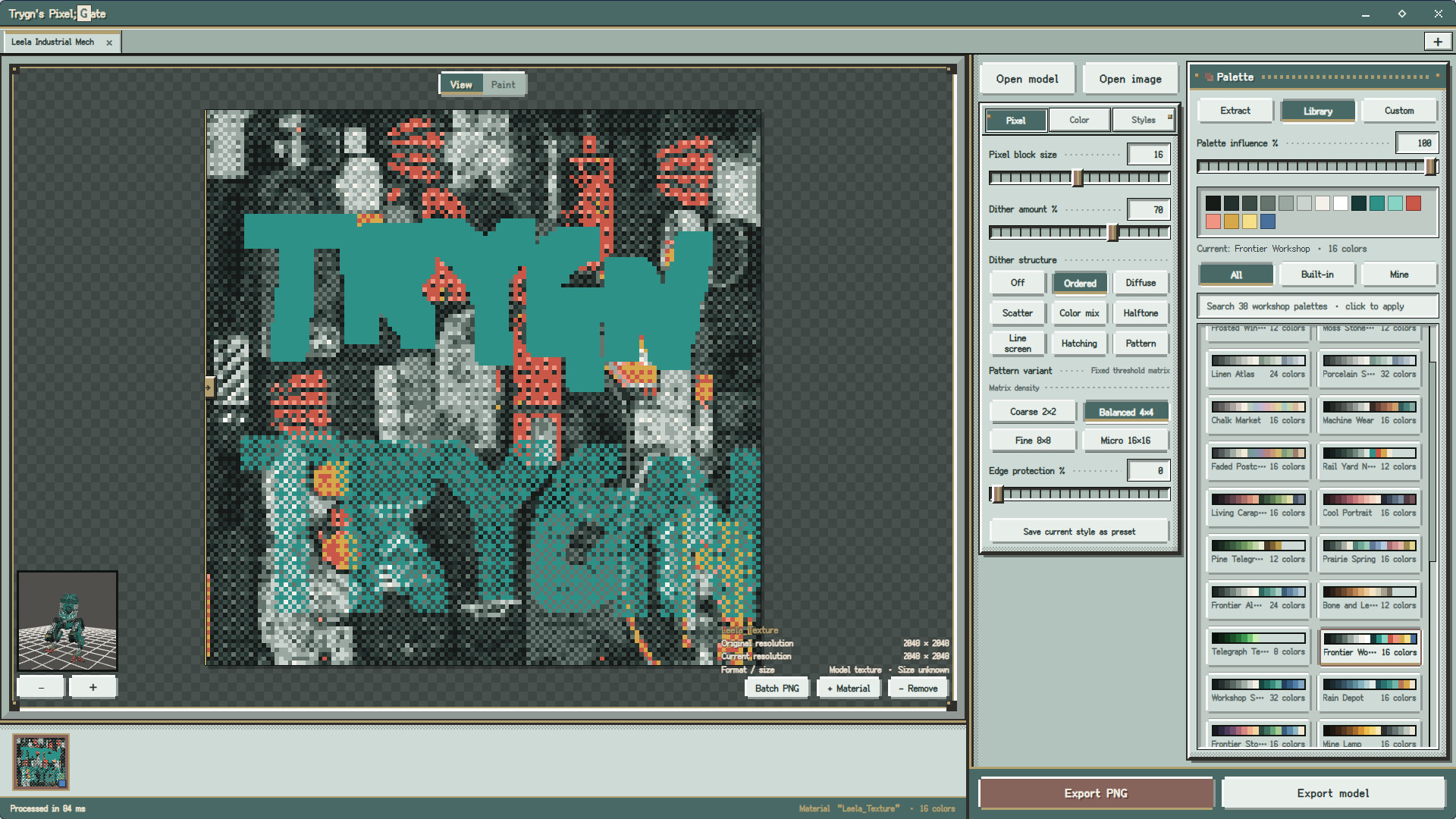
Trygn's Pixel;Gate is a desktop creative tool focused on image pixelation, dithering, and image painting. Import an image to see the result in real time, adjust colors, palettes, and details, then paint directly on the image whenever you need more precise control.
A free Windows demo is available now. Try the image and model workflow before release. Exporting files and batch processing are available in the full version.
Key Features
- Adjust pixel block size, exposure, brightness, contrast, saturation, and pre-processing softening
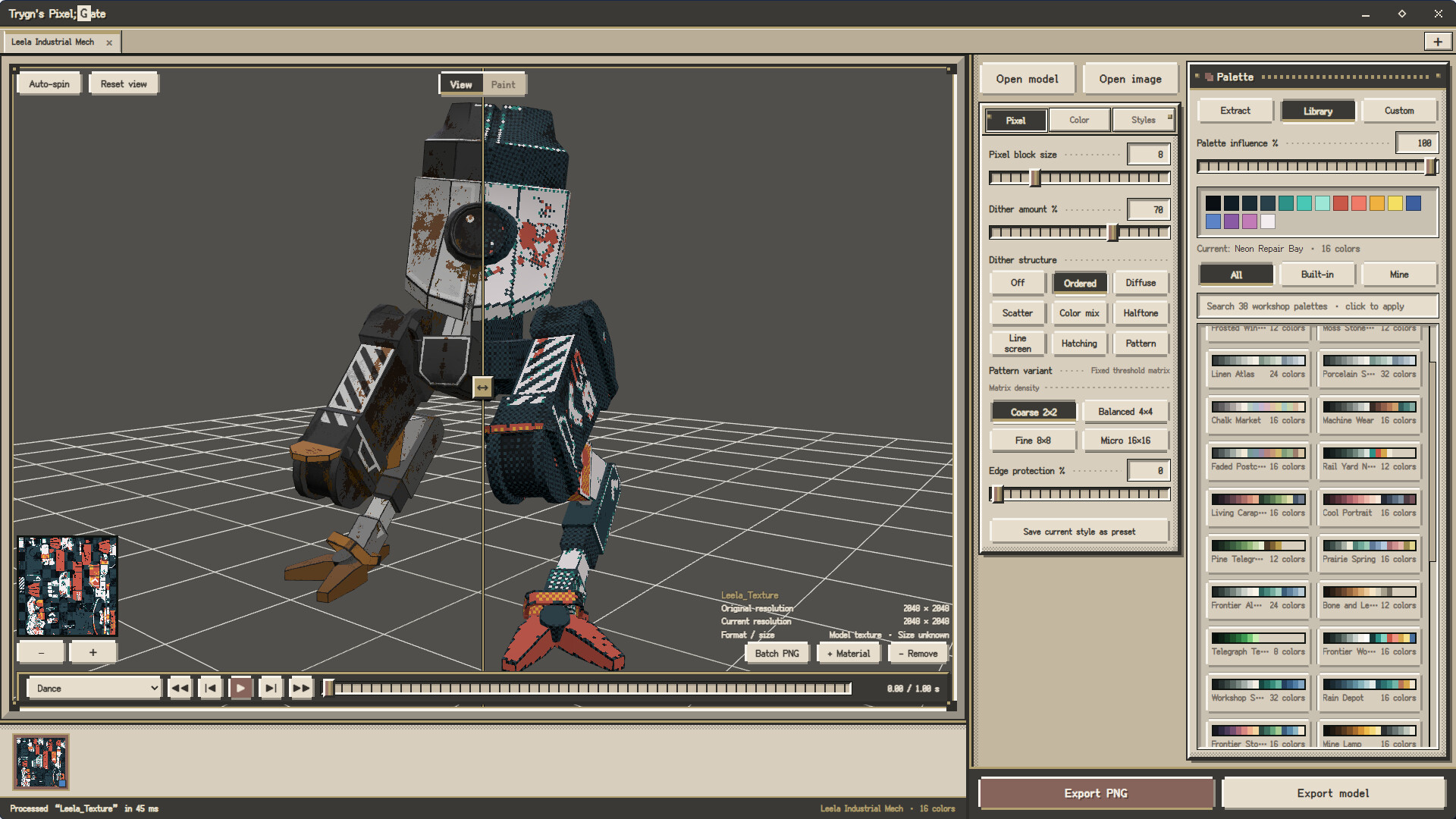
- Use the image's original colors, built-in preset palettes, or your own custom palettes
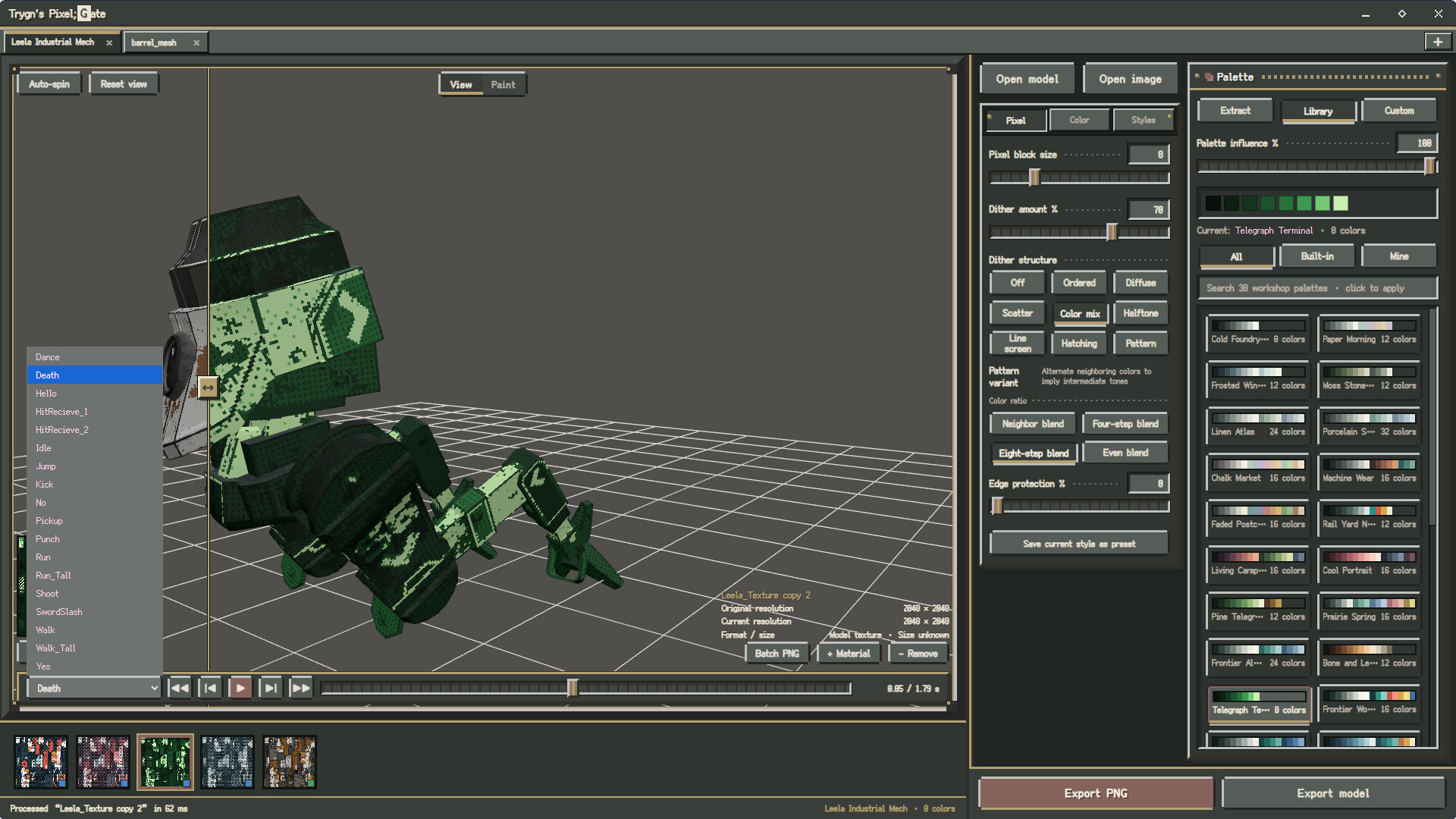
- Choose from ordered, error-diffusion, noise, blend, halftone, line-screen, crosshatch, pattern, and other dithering methods
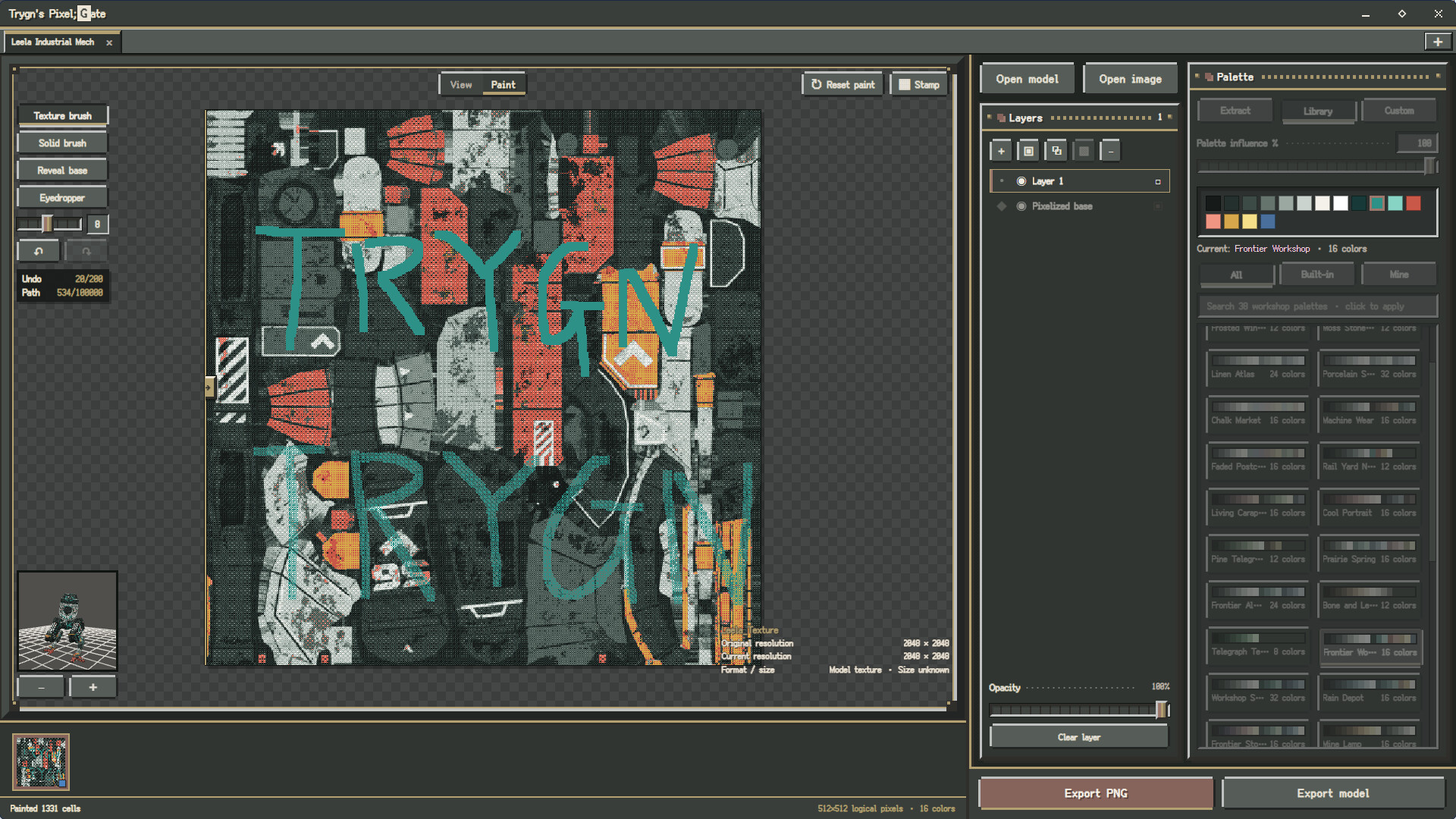
- Preview results in real time in 2D image and 3D model views, then paint with blending and solid-color brushes
- Work with layers, undo, and redo
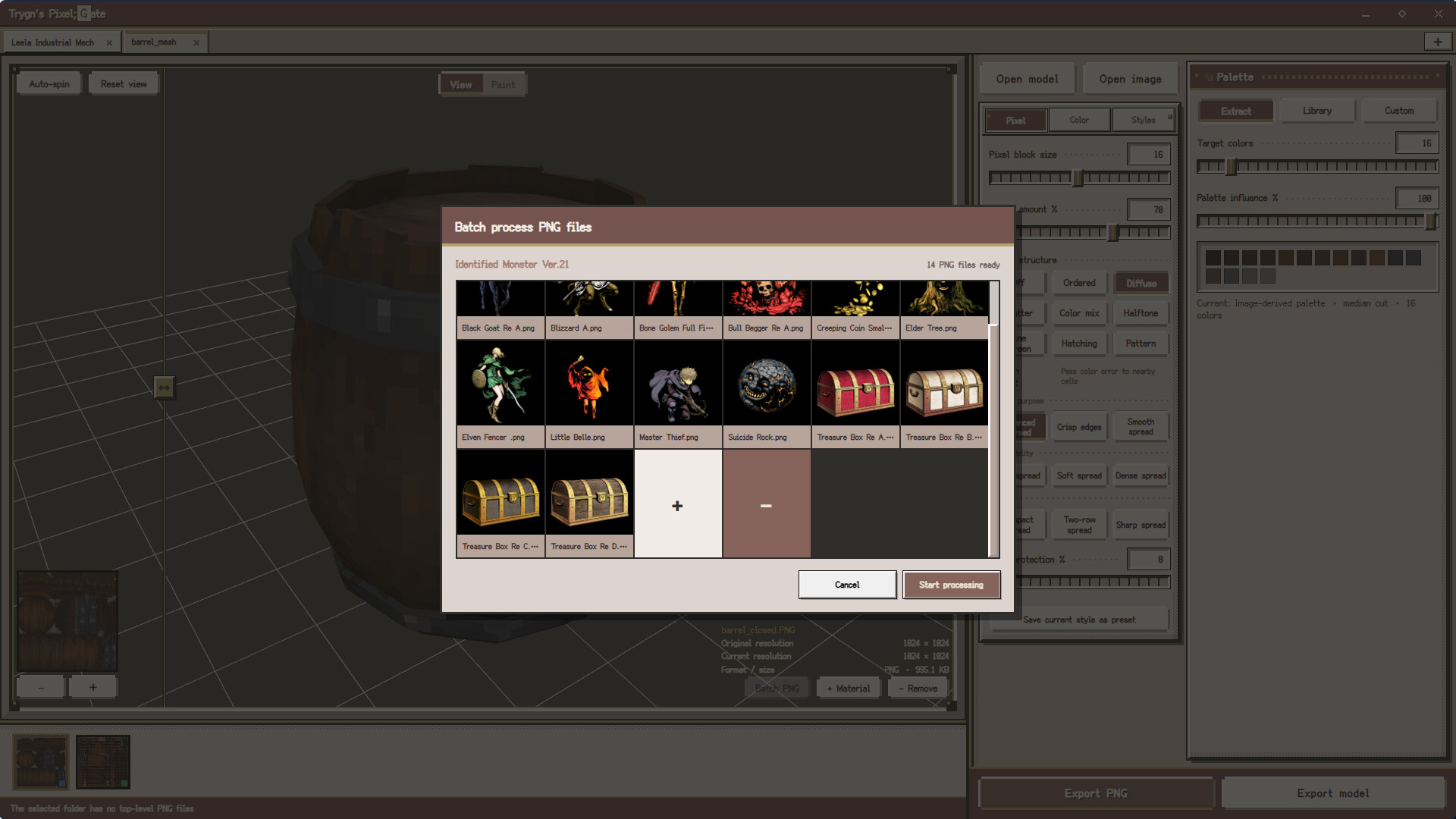
- Batch-convert PNG images in a folder using your tuned pixel-style settings
- Export PNG images, HEX palettes, and GLB, glTF, DAE, OBJ, STL, and PLY models
Supported Formats
Images: PNG, JPG/JPEG, WebP, AVIF, BMP, GIF, TGA, TIFF
Models: GLB, glTF, OBJ, FBX, STL, PLY, DAE
Models with external dependencies require their corresponding .bin, .mtl, and texture files. Animated images are imported as still images; only the first frame is retained.
System & Languages
Platform: Windows 10/11, 64-bit. macOS support is planned for a future update.
Languages: English, 日本語, 简体中文, 繁體中文, Français, Русский, 한국어.
Coming to Steam on August 25, 2026. Use the Steam button below to add Trygn's Pixel;Gate to your wishlist.

©2026 Valve Corporation. Steam and the Steam logo are trademarks and/or registered trademarks of Valve Corporation in the U.S. and/or other countries.
Download
Leave a comment
Log in with itch.io to leave a comment.